Print Production & Setup
April 6, 2025
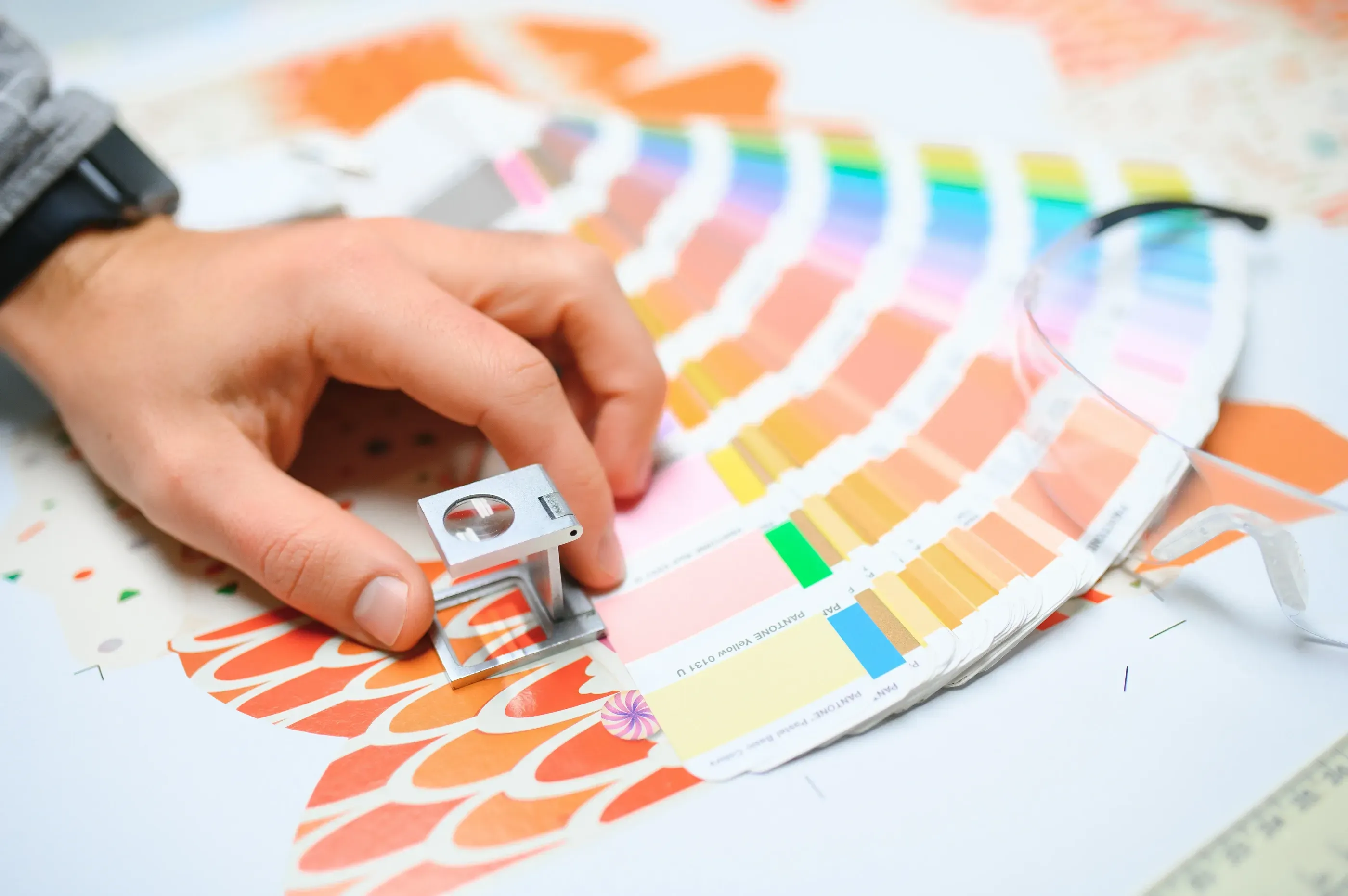
Have you ever designed something that looked perfect on your screen, only to receive a printed version that looks… off? You are not alone. One of the most common questions we receive at AlphaGraphics Brentwood is:
“Why don’t my printed colors match what I see on my screen?”
In this post, we will explain the science behind color discrepancies, what causes them, and how to ensure more accurate color reproduction in your print projects.
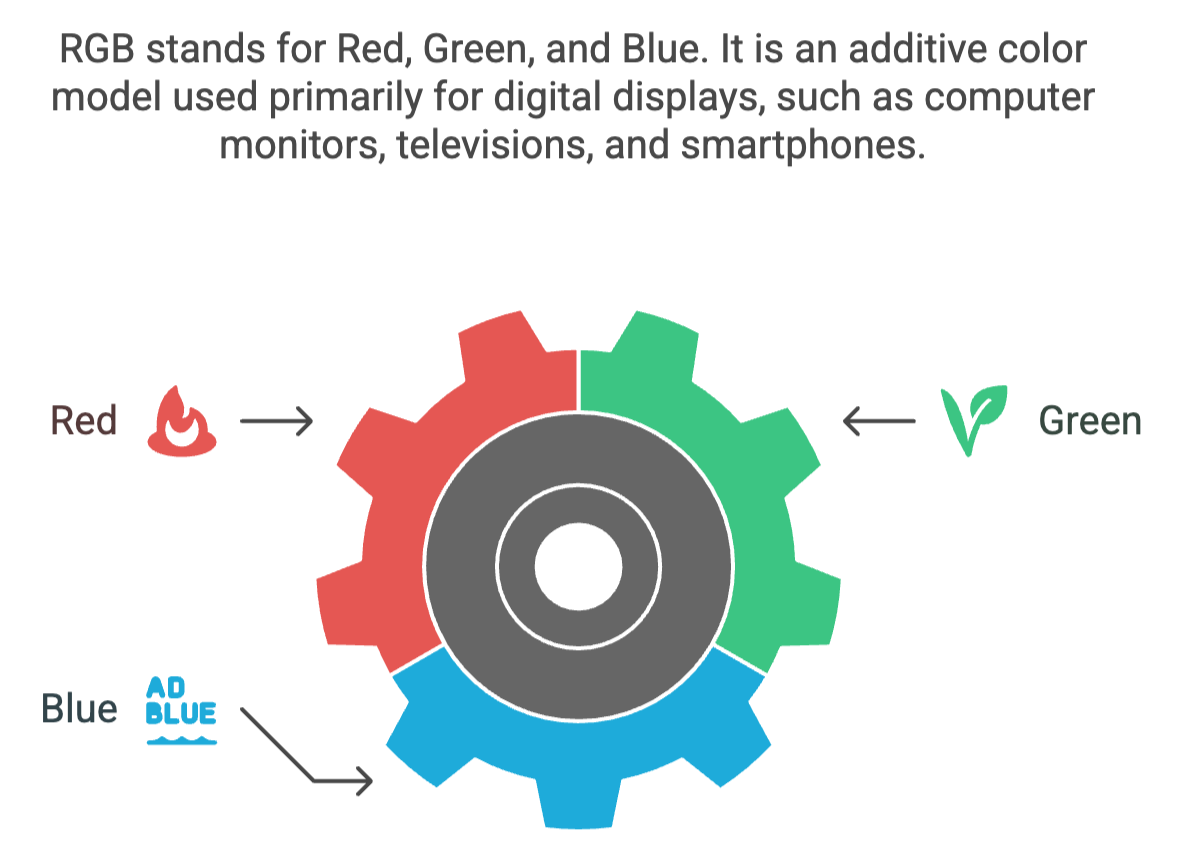
What you see on your computer or phone screen is made up of RGB (Red, Green, Blue) light. These colors are created through emitted light and can appear vibrant and bright, especially on high-resolution screens.
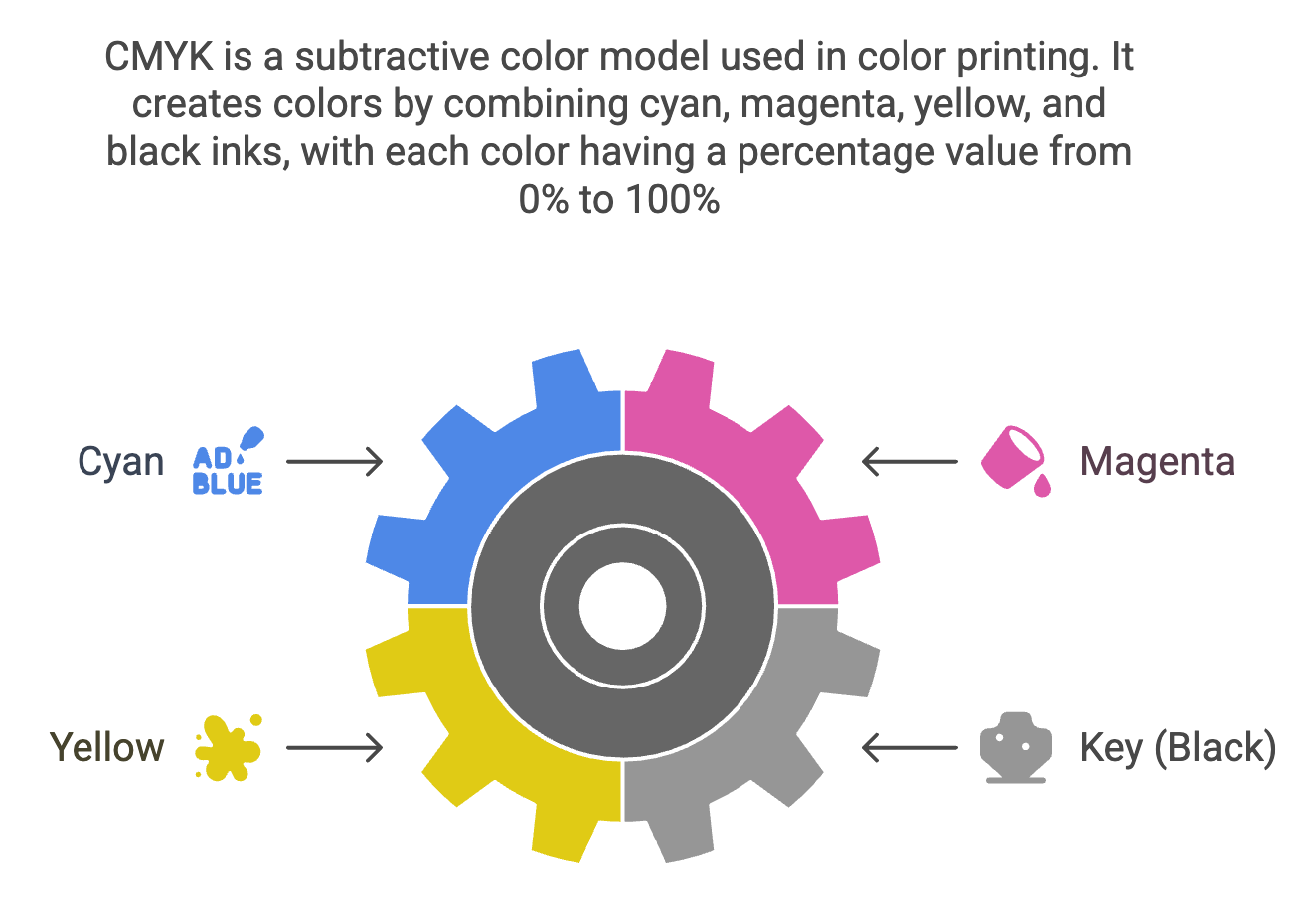
On the other hand, printed materials use CMYK (Cyan, Magenta, Yellow, and Black) inks or toner, which are applied to paper through a physical process. Because these color systems are entirely different, a perfect match is rarely guaranteed without specific steps in place.
Most screen designs are created in RGB by default. If a file is not converted to CMYK before printing, the print process interprets the colors differently, often resulting in dull or unexpected tones.
Your screen may be set to high brightness, contrast, or use display enhancements that make colors appear more vivid than they will on paper.
Glossy paper makes colors look more vibrant, while matte or uncoated stocks can absorb ink and soften the look. The texture and finish of your paper impact how colors appear once printed.
Both screens and printers need regular calibration. A screen that is not color-calibrated may show inaccurate hues. Similarly, printing devices vary, and using professional print services helps ensure consistency.
Use CMYK color mode in your design software (like Adobe Illustrator or InDesign) for print design. This gives you a better idea of how your final print will look.
Pantone Matching System (PMS) colors are standardized and can ensure consistent results across different printers and materials. They are especially useful for branding elements.
If you are concerned about exact color matching, always request a hard proof or color sample. This gives you a chance to tweak designs before a full production run.
Print experts like our team at AlphaGraphics Brentwood know how to manage color profiles, calibrate printers, and recommend the right paper and finishes for your project.
While it is nearly impossible to match screen and print colors 100%, understanding the process helps you set the right expectations and take steps to achieve consistency. Designing in CMYK, using Pantone colors, and working with experienced printers can go a long way in producing prints that look just the way you envisioned.
📍If you are planning a print project, be sure to check out our related blog post:
How to Prepare Files for Printing: A Simple Guide for Perfect Results