Scanning QR codes is generally safe, but there are risks involved if the source of the code isn't trustworthy. Here’s what to consider:
Safety Factors
- Source of the QR Code:
- If the QR code is displayed in a legitimate location (e.g., a company’s website, verified app, or a store), it is likely safe.
- Avoid scanning QR codes found in random locations, like flyers or posters on the street, as they could be malicious.
- What the QR Code Does:
- QR codes can link to websites, download apps, or trigger specific actions like making payments. A malicious code could lead to a phishing website, install malware, or steal your data.
- Device Security:
- Your device's operating system and scanning app play a role in security. Updated devices often warn you before visiting a suspicious site.
- Be cautious if your device does not display the URL or action before proceeding.
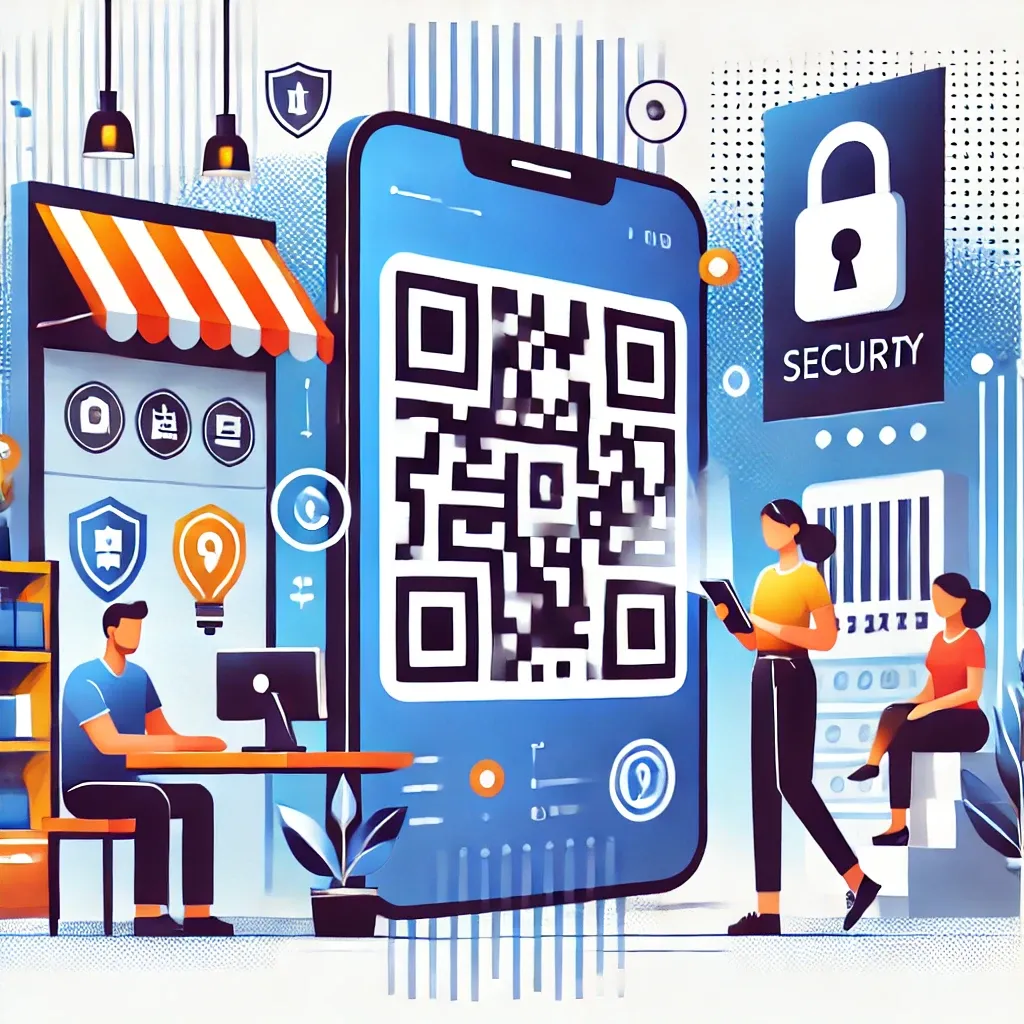
How to Stay Safe
- Preview URLs: Many QR code scanners show the destination URL before taking you there. Verify it looks legitimate.
- Use a Trusted Scanner App: Modern smartphones typically have built-in QR code scanners that include safety features. Avoid third-party apps unless well-reviewed.
- Be Cautious of Shortened Links: QR codes often use URL shorteners, making it harder to see where they lead. If in doubt, don't proceed.
- Look for HTTPS: Ensure the destination URL starts with "https://" (the "s" indicates encryption).
- Avoid Entering Sensitive Information: Don’t input passwords, credit card details, or other personal information unless you are confident in the source.
Warning Signs
- Unexpected prompts to install apps.
- Requests for personal or financial information without clear verification.
- Links to unfamiliar websites.
Final Tip
Always verify the source and context of the QR code. If something feels off, it’s better to skip scanning.