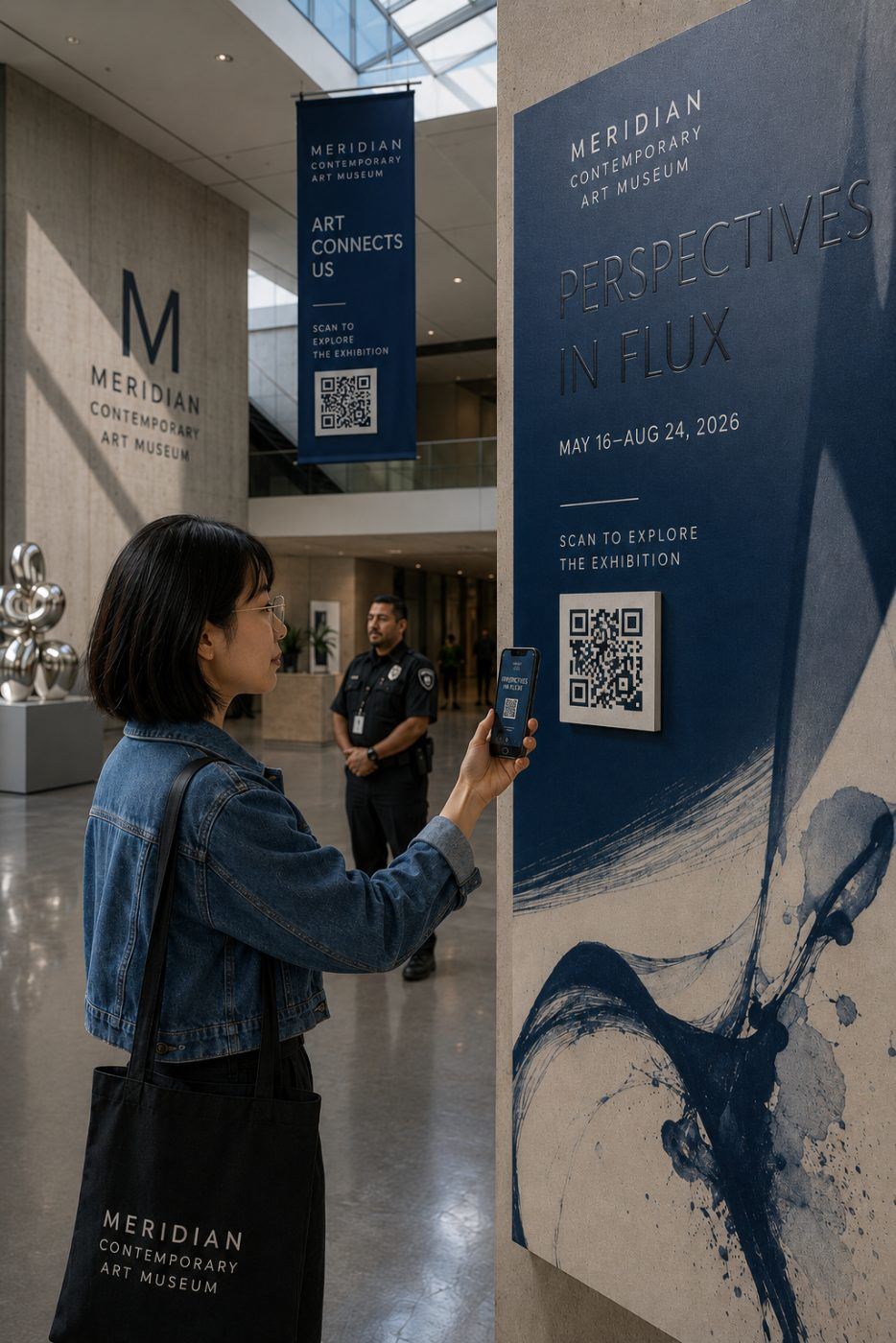
More than ever — when you give people a reason. The old excuse for ignoring a code (needing a special app) is gone: every phone now scans straight from the camera. So codes get scanned far more than they did five years ago — but only when the reader knows what they'll get.
When a code is ignored, it's almost never the technology. It's that nothing told the reader why to bother.
Why 2012 codes failed — and why that's over
If you're skeptical of QR codes, you earned it. The 2012 wave failed for three reasons: you needed a separate app to scan, codes were placed where scanning was impossible (highways, moving buses), and they led to unreadable desktop pages.
Two of those are now solved by the phone in every pocket. Zero apps are required to scan a code today — every phone (iOS 11+, Android 9+) reads one straight from the camera. The third reason, where the code leads, is still entirely up to you — and it's where most codes still fail.
What the numbers actually say
Ignore the impressive scan rates vendors quote (18%, 26%, 38%) — every one comes from a company measuring scans of codes it sold, and they disagree wildly. There is no independent, published scan rate for print QR codes. We would rather tell you that than quote a number we can't stand behind.
What's credible: 45% of U.S. shoppers say they've used a QR code to access a marketing or promotional offer. They scan for the offer — not for you.
What makes a code get scanned
A reason, stated on the piece.
"Scan me" does nothing. "Scan for 15% off" or "Scan to book" does. Pair every code with a promise and you convert a curiosity into an offer people act on.
Pair every code with a promise — then make sure the page behind it is mobile-first, fast, and about the thing the code promised. A code that resolves to your homepage has broken the promise it just made. The code is the easy part; the offer and the landing page are the job.
Where codes actually earn their place
On a mailer, next to an offer. The recipient is holding the piece, phone within reach. "Scan to claim" is a complete sentence, and on a direct mail or EDDM campaign the code is also the cheapest attribution you will ever buy.
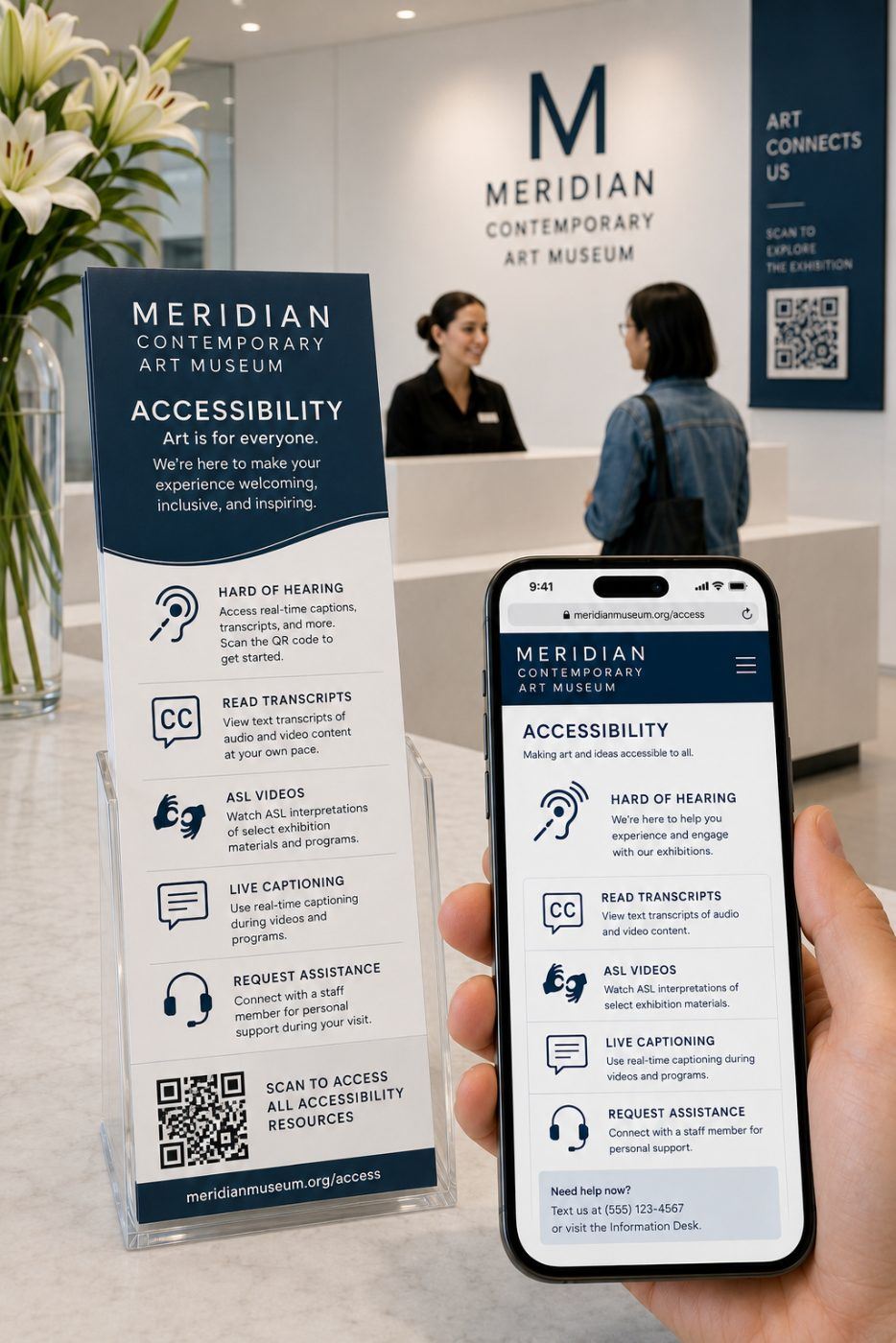
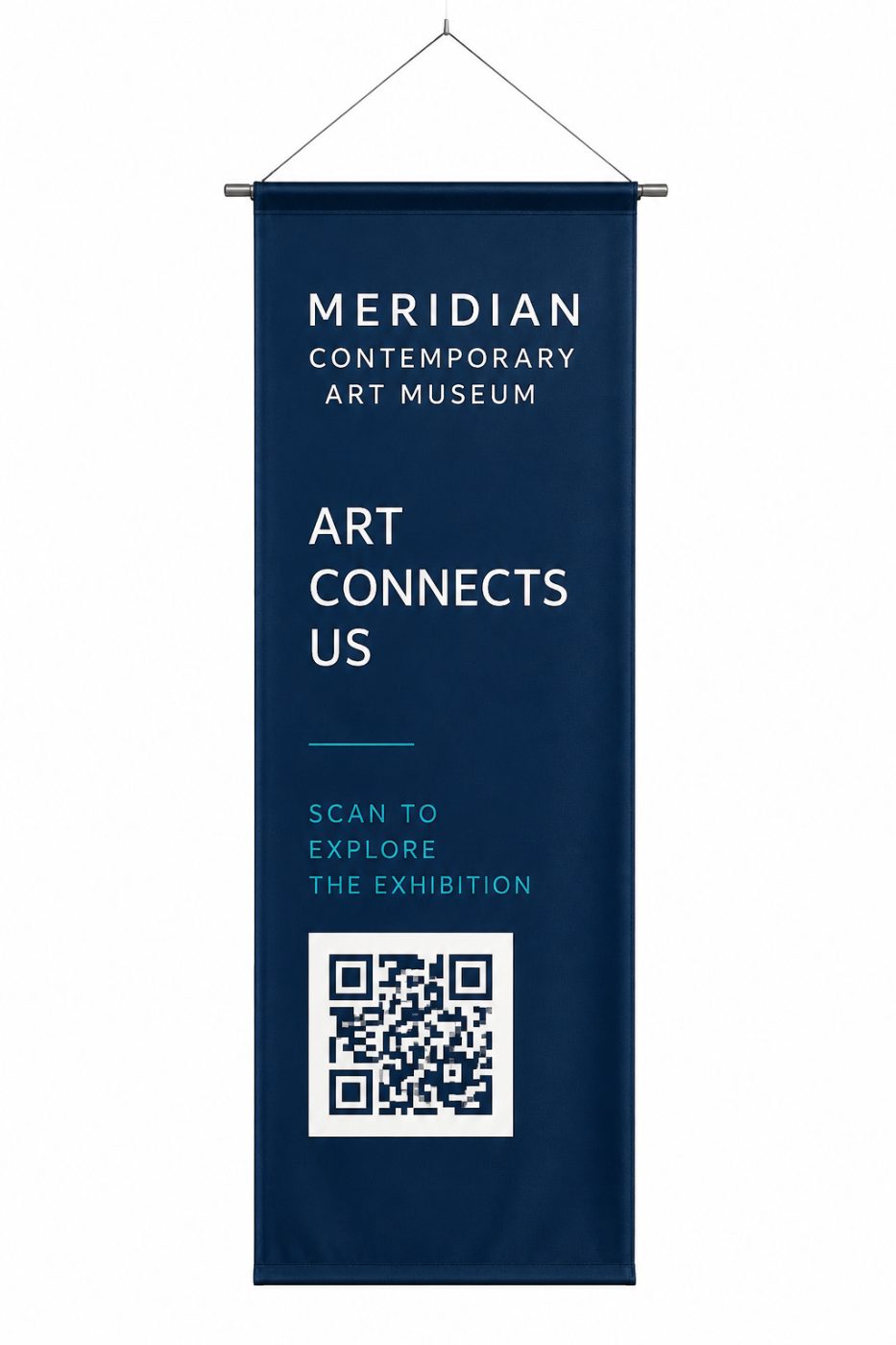
On signage, where the reader is already waiting. Lobbies, queues, tables. Signage and printed graphics in a waiting area have something no other placement does: a captive audience with dwell time. Codes fail where someone is moving.
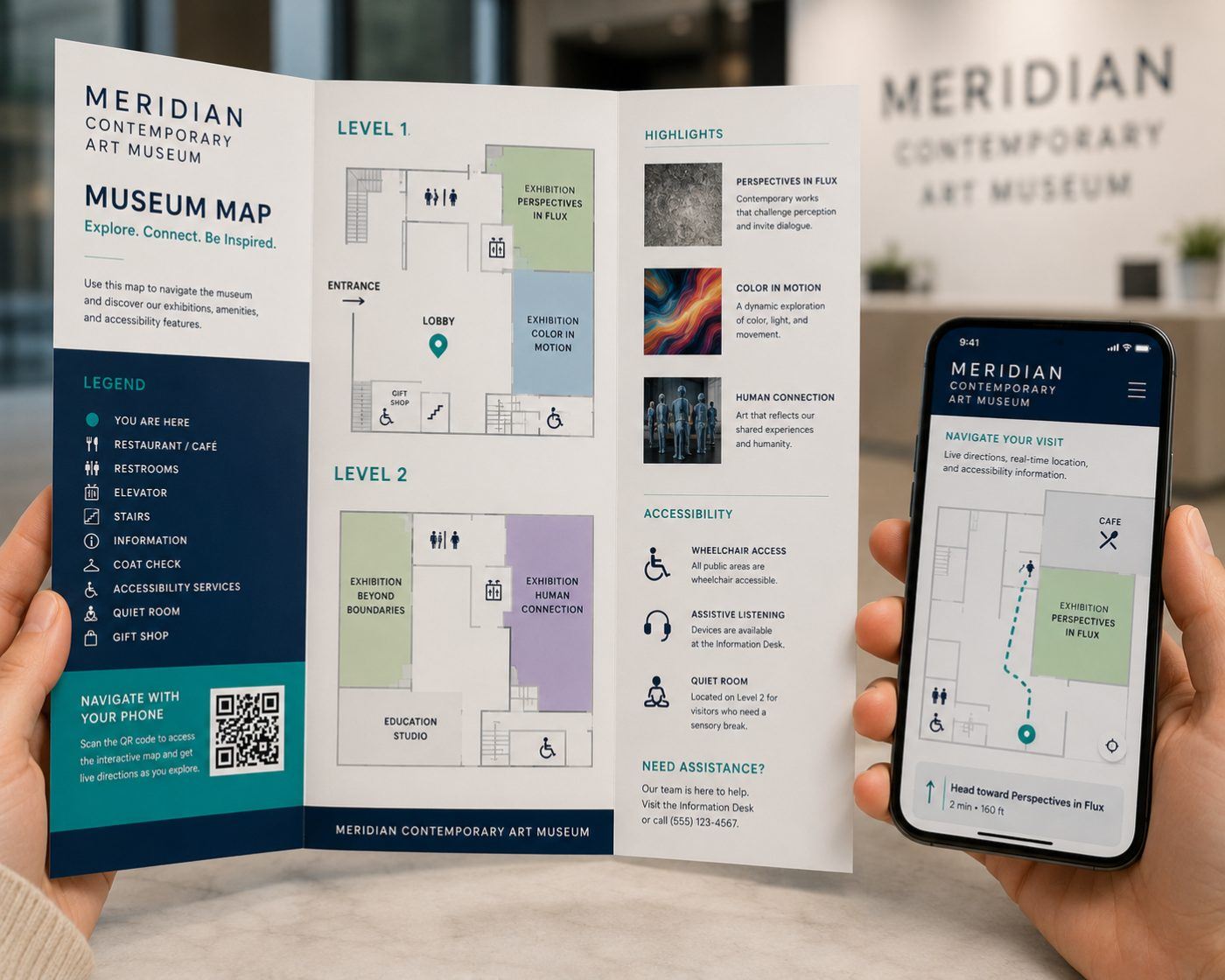
On a printed map or guide. Paper can't tell you where you're standing; a scan turns a printed piece into a live wayfinder with real-time directions and accessibility information. The print sets the stage; the destination does the work.
Print it big enough to work
Size is the most common production mistake. Below roughly an inch square, reliability drops on a handheld piece — and scanning distance scales with code size, so a code meant to be read from ten feet across a lobby needs to be several inches across.
Leave the quiet zone clear, keep contrast high (dark code on light ground, never the reverse), and test the printed proof on both an iPhone and an Android before the run. A code that works on the screen and fails on paper has cost you the whole print job.
How to do it right
- Write the promise first. Finish "Scan for…" before you generate the code. Can't? You don't need one.
- Use a dynamic code. The destination can change after it's printed.
- Build the page for a phone. Under two seconds to load, delivering exactly what the code promised.
- Print it big enough. Below ~an inch square, reliability drops — test iOS and Android before the run.
- Track it. A code is the lowest-cost attribution you'll ever buy — and the only honest reason to put one on print.
Let's connect your print to your pipeline
Trackable QR campaigns on mailers, signs, and brochures, maps, and printed guides — designed and built end to end in Shavano Park. We'll help you write the promise, build the page, and read the numbers that come back.
Related questions
Do people need an app to scan a QR code?
No. Every phone running iOS 11 or later and Android 9 or later reads a QR code straight from the native camera app. That was the single biggest reason codes failed in 2012, and it has been solved for years — though plenty of buyers still carry the old assumption.
What is a realistic scan rate for a printed QR code?
There is no independent, published scan rate for print QR codes. Every impressive figure in circulation — 18%, 26%, 38% — comes from a vendor measuring scans of codes it sold, and they disagree wildly. What is credible is Statista's finding that 45% of U.S. shoppers say they've used a QR code to access a marketing or promotional offer. Treat vendor rates as marketing, and measure your own.
How small can a QR code be printed?
Roughly one inch square is the practical floor for a piece held in the hand, and larger is better. Scanning distance scales with size: a code read from ten feet on a sign needs to be several inches across. Always test the actual printed proof on both iOS and Android before running quantity.
Static or dynamic QR code — which should I use?
Dynamic, for almost any printed marketing. A static code encodes the destination permanently, so a changed URL means a reprint. A dynamic code points at a redirect you control, which means you can change the destination after printing and you get scan counts. The only argument for static is that it never depends on a third-party service staying online.
Where do QR codes on print work best?
Where the reader is already holding the piece or already waiting: mailers next to an offer, lobby and queue signage, table tents, and printed maps or guides. They fail where people are moving — highways, buses, anything glimpsed at speed. Proximity and dwell time predict scans better than design does.
Why do QR codes fail even when they're scanned?
Because of where they land. A code that resolves to your homepage has broken the promise it just made, and a page that takes six seconds to load on cellular loses the visitor before it renders. Build a single mobile-first page about the exact thing the code offered, and the scan converts.
Static or dynamic code — which should I print?
Dynamic, in nearly every case. A static code encodes the destination permanently, so if the URL changes, the printed piece is dead. A dynamic code points at a redirect you control, which means the destination can change after the piece is printed and you get scan reporting. The only argument for static is a code that must work with no third-party service behind it.
How big does a printed QR code need to be?
About one inch square is the practical floor for a piece held in the hand, and larger for anything read at distance — a rule of thumb is roughly one-tenth of the scanning distance. Leave a clear quiet zone around all four sides, keep contrast high, and avoid printing a code across a fold, a seam, or a busy photo.
Can a QR code be branded or colored?
Yes, within limits. Your brand color works if it stays dark against a light background; the code needs strong contrast to read. A logo can sit in the center because the format tolerates some obstruction. What breaks codes is inverting them light-on-dark, using a low-contrast pairing, or over-styling the modules — always test the final artwork on both iOS and Android before the run.
Where do QR codes work best on printed material?
Anywhere the reader is stationary and the next step is obvious: a menu, a mailer with an offer, a trade show handout, a yard sign, a package insert, an event program. They work poorly where someone is moving or far away — a highway sign or a vehicle at speed. If a person cannot comfortably hold a phone up to it, use a short URL instead.
Talk to us about your project
AlphaGraphics San Antonio — Shavano Park serves Shavano Park, Castle Hills, Stone Oak, Helotes, Boerne, New Braunfels, and the surrounding communities from 16101 College Oak Drive. Call (210) 222-0580 or request a quote and we will get you an answer the same business day.